
The best way to choose a doorbell is to match its power, features, range, and security to your home.
Learning how to choose a doorbell is easier when you treat it as part of your home’s entry system, not just a button and chime. After comparing wired, wireless, video, smart, and traditional models, I have found that the right choice depends on your wiring, front-door layout, Wi-Fi strength, budget, and comfort with technology. This guide will help you compare each option and avoid common buying mistakes.
Start by identifying your doorbell needs
Before looking at brands or features, think about what you want the doorbell to do. A simple chime may be enough for an apartment. A busy family home may benefit from video, motion alerts, and two-way talk.
Ask yourself:
• Do you want a basic sound or a video doorbell?
• Does your home already have doorbell wiring?
• Do you need alerts when you are away?
• Is your front door covered by strong Wi-Fi?
• Will older adults or children use the doorbell?
• Do you want to pay a monthly cloud fee?
• Does your home have more than one entrance?
Your answers will make how to choose a doorbell much clearer. For example, a renter may prefer a battery model that is easy to remove, while a homeowner may prefer a wired model with steady power.
Also consider the door’s location. A doorbell under a porch may need better night vision than one in an open area. A unit facing a busy sidewalk may need adjustable motion zones to reduce false alerts.
Choose between wired and wireless doorbells
The power source is one of the most important parts of how to choose a doorbell. Most models are either wired into your home’s low-voltage doorbell system or powered by batteries.
Wired doorbells
A wired doorbell connects to existing doorbell wires. It usually receives steady power, so you do not need to recharge a battery every few weeks or months.
Benefits include:
• Reliable power
• No routine battery charging
• Faster response for many smart features
• A cleaner, more permanent installation
A wired model may need a transformer that supplies the correct voltage. Many smart doorbells require a transformer within a specific range, often listed in the installation guide. If the voltage is wrong, the doorbell may not work or may become damaged.
Wired installation can be simple if your home already has working doorbell wires. If not, running new cable through walls can take more time and may require an electrician.
Wireless and battery doorbells
Wireless doorbells are often easier to install. Battery models can work in homes without existing wiring, which makes them useful for renters, older homes, gates, and detached garages.
Their main limits are battery life and weather conditions. Cold weather can reduce battery performance, while frequent motion alerts can drain the battery quickly.
When learning how to choose a doorbell, check:
• Battery type and expected life
• Charging time
• Whether the battery is removable
• Whether the unit can use a solar charger
• Whether it can also connect to existing wires
Some products called “wireless doorbells” use wireless communication but still need wired power. Read the product details carefully. Wireless does not always mean battery powered.
Decide whether you need a video doorbell
A video doorbell can show who is at the door, send alerts to your phone, and let you speak with visitors. It can also help you see packages, pets, or activity near your entrance.
A traditional doorbell only tells you that someone pressed the button. A video doorbell acts more like a small outdoor security camera.
Important video features include:
• Video resolution
• Field of view
• Night vision
• Motion detection
• Person detection
• Two-way audio
• Package detection
• Local or cloud storage
Higher resolution can make faces and package labels easier to see. However, resolution is not everything. A sharp camera with poor night vision may perform worse than a lower-resolution model with better lighting and image processing.
Look at the vertical field of view, too. A wide horizontal view may show the visitor’s face but miss a package placed on the ground. A taller view can help you see both people and deliveries.
Video doorbells also need strong network performance. If your Wi-Fi signal is weak near the door, the image may load slowly or disconnect. In that case, a Wi-Fi extender or mesh system may help, but it adds cost.
Compare smart doorbell features
Smart doorbells connect to a home network and often work with a mobile app. Some also connect with smart speakers, displays, locks, and security systems.
The most useful features are usually simple ones:
• Instant phone notifications
• Live video
• Two-way talk
• Motion zones
• Person detection
• Quiet hours
• Multiple chime options
• Shared access for family members
Motion zones are especially helpful. They let you ignore movement on a public sidewalk or busy road while watching the area near your door.
Artificial intelligence features can sort people, vehicles, animals, and packages. These tools can reduce unwanted alerts, but they are not perfect. Lighting, camera angle, weather, and movement can affect accuracy.
When considering how to choose a doorbell with smart features, do not pay for tools you will never use. A clear live view and dependable alerts are often more valuable than a long list of advanced functions.
Check video quality, night vision, and audio
Good image quality helps only when the camera is placed well. Before buying, check whether the camera can see the visitor’s face from the likely standing position.
A doorbell camera should ideally provide:
• Clear daytime images
• Useful night vision
• Limited glare from porch lights
• A view of the visitor’s face
• A view of the floor or package area
• Clear microphone and speaker sound
Night vision may use infrared light, color sensors, or a built-in light. Infrared can produce a black-and-white image. Color night vision may show more detail but often needs some available light.
Audio quality matters as much as video. A delay or weak speaker can make conversations frustrating. Two-way talk should work without forcing you to stand close to your phone.
Before installing a video doorbell, check local privacy rules and neighborhood expectations. Avoid pointing the camera into a neighbor’s private windows or enclosed areas. Responsible placement protects both your home and your community.
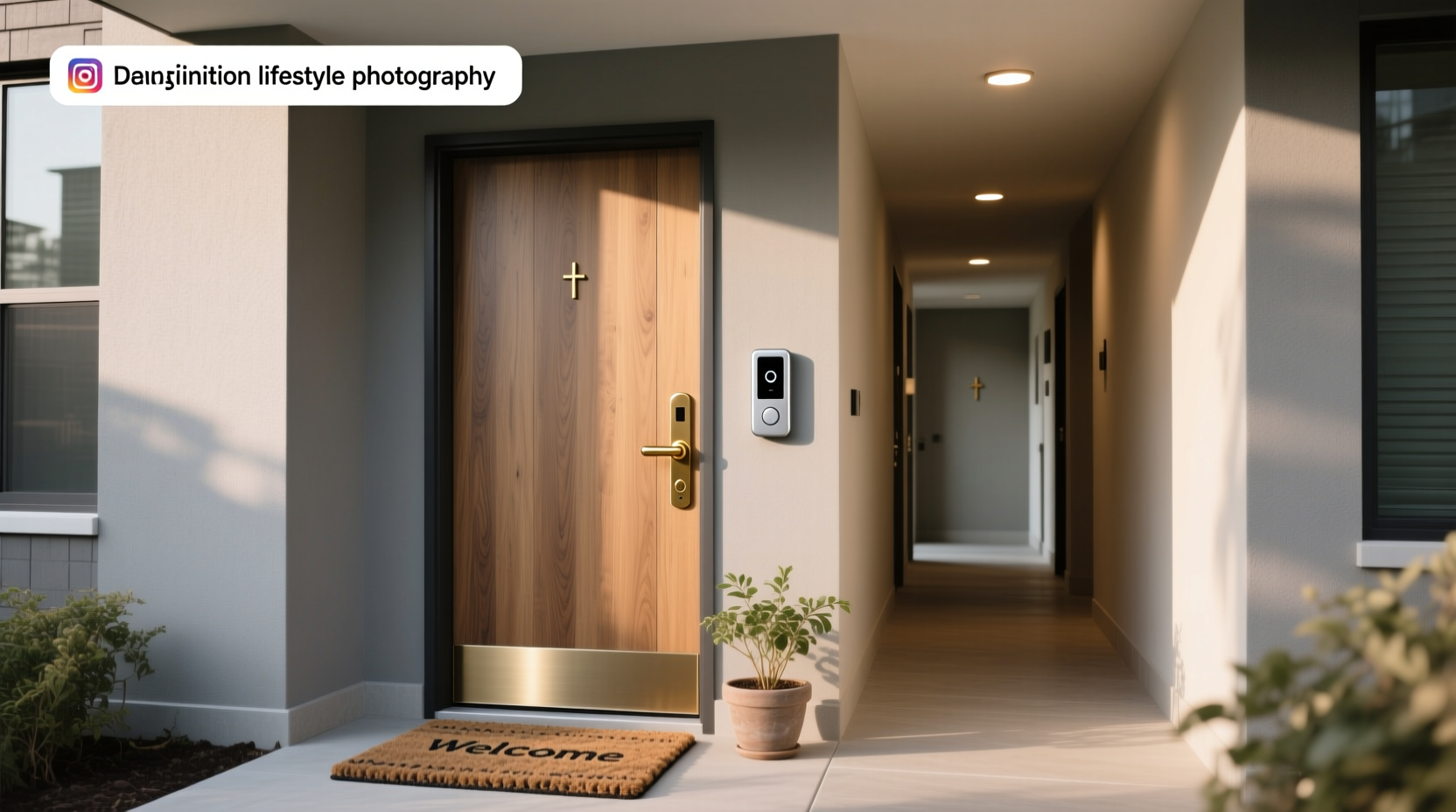
Evaluate Wi-Fi, range, and notification speed
A smart doorbell is only as useful as its connection. The front door may be farther from your router than expected, especially in brick homes, concrete buildings, or houses with metal doors.
Test your Wi-Fi near the installation point. A phone speed test can give you a rough idea, but a stable signal matters more than a single high speed result.
Watch for these warning signs:
• The doorbell takes a long time to connect
• Live video frequently stops
• Alerts arrive several minutes late
• The chime disconnects
• The signal is weak near the front door
A wireless chime can help you hear the doorbell throughout the house. Some smart doorbells also send alerts to a smart speaker or display.
If your home has a back entrance, side door, or gate, confirm that the system supports more than one doorbell. Some apps handle multiple devices well, while others make it difficult to manage separate locations.

Understand storage, subscriptions, and ownership costs
The purchase price is only part of how to choose a doorbell. Some smart doorbells require a monthly plan for video history, advanced detection, or package alerts.
Review what you receive without a subscription. You may still get live video and instant alerts, but recorded clips could be limited or unavailable.
Storage options may include:
• Cloud storage
• Internal memory
• A removable memory card
• A home network video recorder
• Manual video downloads
Cloud storage is convenient because the company manages the hardware. Local storage can reduce recurring fees, but it may be lost if the doorbell is stolen or damaged.
Calculate the total cost over three years. Include the doorbell, installation, chime, transformer, memory card, batteries, and subscription fees. A cheaper device may cost more over time if it requires a long-term plan.
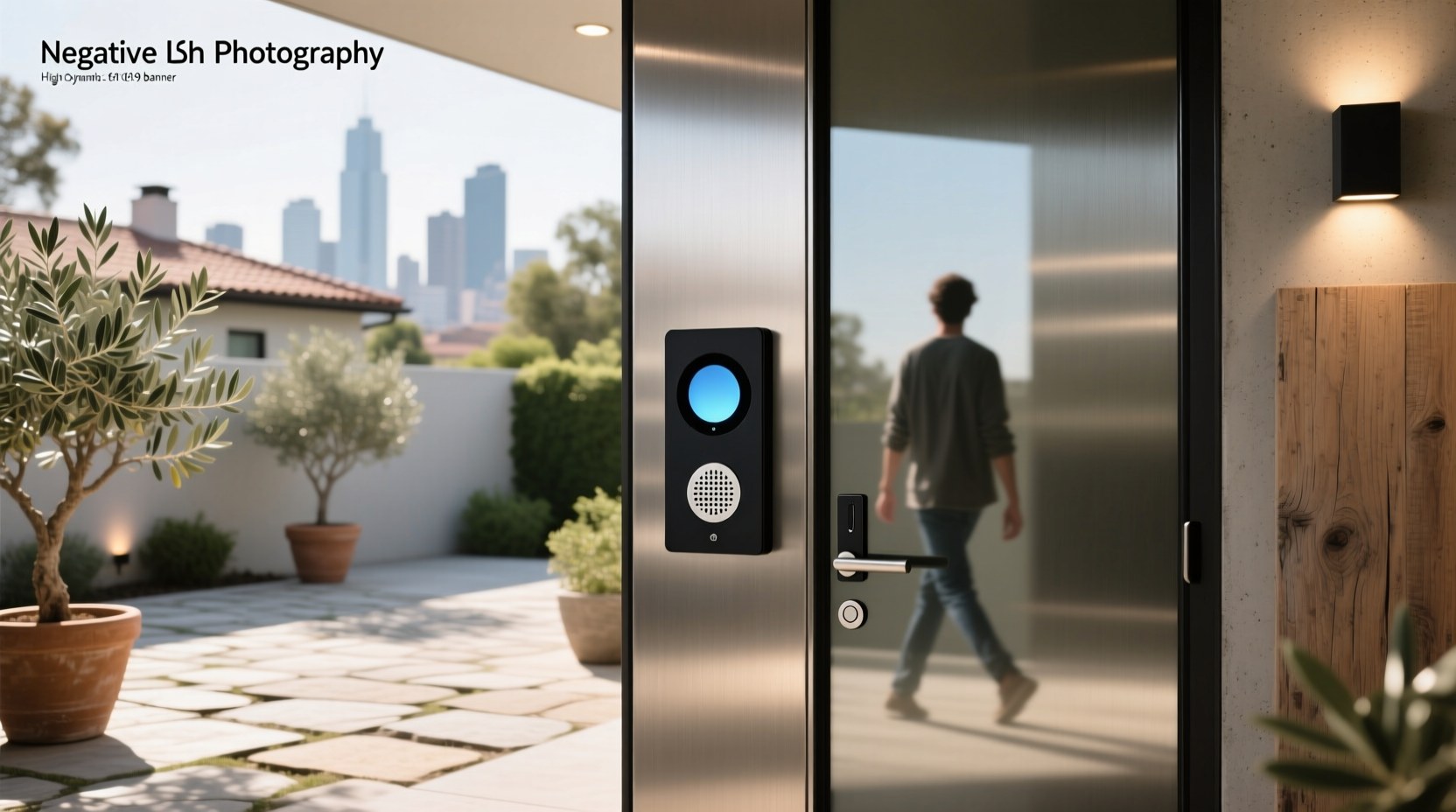
Review privacy and security settings
A connected doorbell collects video, audio, location, and account data. Good security settings are essential.
Choose a product that offers:
• Two-factor authentication
• Secure account recovery
• Regular software updates
• Clear privacy controls
• User access management
• Encryption during data transfer
Use a unique password for the doorbell account. Do not reuse the password from your email or banking account. Enable two-factor authentication as soon as you set up the device.
It is also wise to share access carefully. Give family members only the permissions they need, and remove old users when they move away or stop using the system.
The National Institute of Standards and Technology encourages strong account protection and timely software updates for connected devices. These steps do not remove every risk, but they greatly improve basic security.
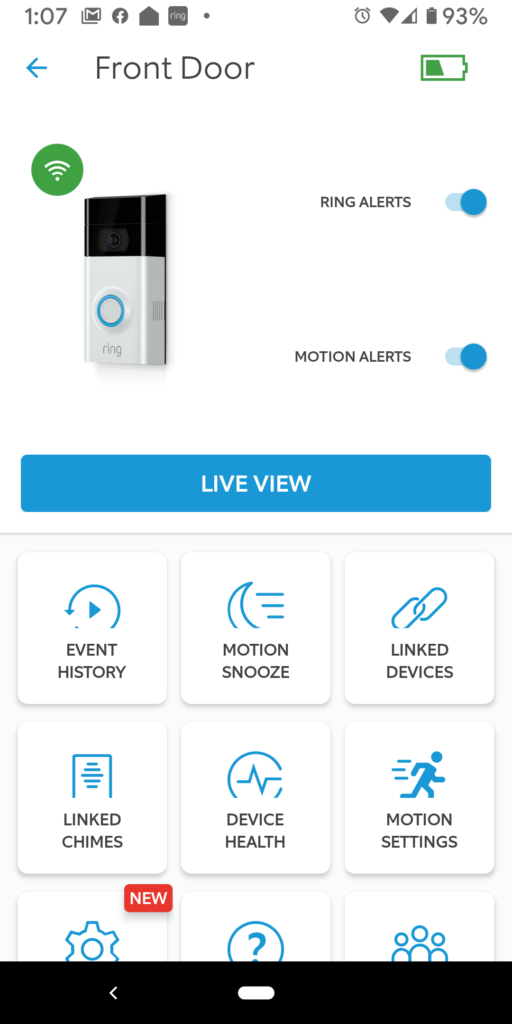
Consider installation and doorbell compatibility
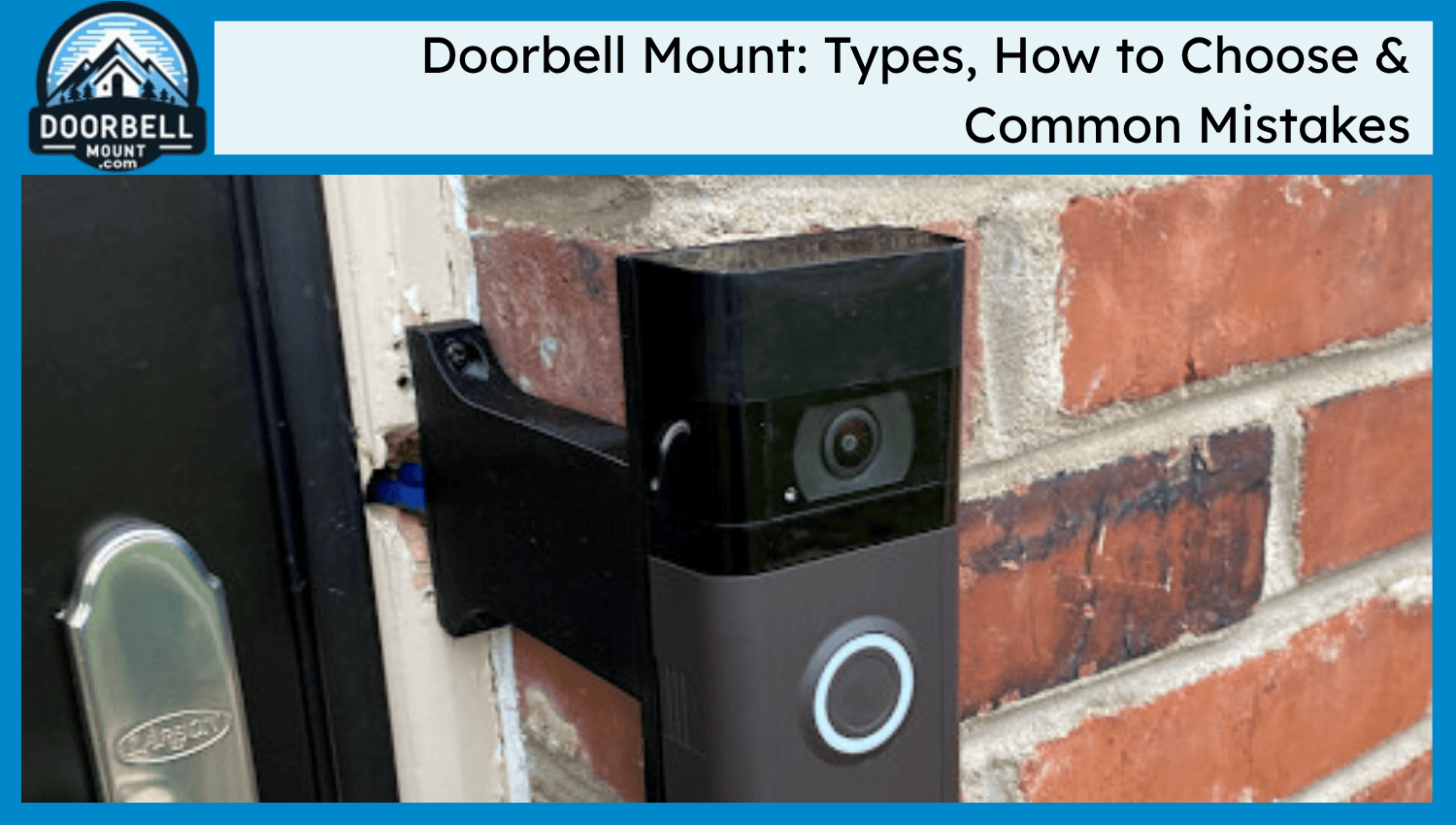
Installation problems are common when people buy first and measure later. Check the size of the doorbell, the mounting angle, and the available space around the door frame.
A doorbell may not fit well if:
• The trim is narrow
• The door opens directly against the wall
• The mounting surface is uneven
• The camera faces direct sunlight
• A storm door blocks the view
• The existing wires are too short
Some video doorbells include angled wedges. These can help point the camera toward the walkway instead of a nearby wall.
If you are replacing a wired model, turn off power before working with the wiring. Doorbell circuits are usually low voltage, but the transformer connects to household electrical power. If you cannot identify the transformer or wiring, ask a qualified electrician for help.
One practical lesson is to dry-fit the unit before drilling. Hold it in place, check the camera view, open the door, and confirm that visitors will stand inside the frame. Five minutes of testing can prevent an awkward installation.
Match the doorbell to your budget
Doorbells range from basic mechanical chimes to advanced smart cameras. Price often reflects the number of features, but the most expensive model is not automatically the best choice.
Basic doorbells
These are good for people who want a simple press-and-chime system. They often have low maintenance needs and no internet connection.
Wireless chime doorbells
These are useful when you want easy installation and several indoor chime locations. They may have limited security features but work well for apartments and small homes.
Video doorbells
These suit people who want visitor verification, delivery monitoring, and remote communication. They may need stronger Wi-Fi and regular charging.
Premium smart doorbells
These may offer better video, advanced detection, local storage, smart home integration, and stronger weather protection. They make sense when you will use those features often.
When deciding how to choose a doorbell within your budget, prioritize reliability, power, placement, and privacy before decorative features. A simple doorbell that works every time is better than an advanced model that loses connection.
Check weather resistance and durability
Outdoor doorbells face rain, dust, heat, cold, insects, and sunlight. Look for a product designed for outdoor use and check its operating temperature range.
An IP rating can describe protection against dust and water. The first number relates to solid particles, while the second relates to water. A higher rating generally means stronger protection, but installation still matters.
Keep these points in mind:
• Use the correct mounting plate
• Seal large gaps around cable entry points
• Avoid placing the camera where water pools
• Protect the unit from direct, intense sunlight when possible
• Clean the lens with a soft, dry cloth
Battery models deserve extra attention in cold regions. A battery that lasts many months in mild weather may need more frequent charging during winter.
Use this doorbell buying checklist
A short checklist can make how to choose a doorbell less stressful. Compare each model against the needs of your home.
-
Confirm whether you need wired or battery power.
-
Check existing transformer voltage if using a wired model.
-
Measure the installation space.
-
Test Wi-Fi strength near the door.
-
Decide whether you need video.
-
Check the camera’s vertical and horizontal view.
-
Review night vision and audio quality.
-
Confirm storage and subscription requirements.
-
Look for two-factor authentication and software updates.
-
Check outdoor temperature and water resistance.
-
Confirm smart home compatibility.
-
Add installation and replacement battery costs to your budget.
Read recent user reviews with care. Look for repeated comments about battery life, connection stability, false alerts, and customer support. One angry review may reflect an unusual problem, but the same complaint across many reviews deserves attention.
Avoid common doorbell buying mistakes
Many doorbell problems start before installation. The most common mistake is choosing features before checking basic compatibility.
Avoid these errors:
• Buying a wired model without checking the transformer
• Choosing a battery model for a very busy entrance
• Ignoring weak Wi-Fi
• Focusing only on camera resolution
• Forgetting the monthly subscription cost
• Mounting the unit too high
• Pointing the camera at direct sunlight
• Skipping two-factor authentication
• Giving every household member full account access
Another mistake is assuming motion detection will work perfectly. Trees, headlights, pets, rain, and passing traffic can create alerts. Use motion zones and sensitivity settings after installation.
Think of setup as a short learning period. Watch the alerts for several days, adjust the settings, and ask family members whether the chime is loud enough in every room.
Frequently Asked Questions About How to Choose a Doorbell
Is a wired or wireless doorbell better?
A wired doorbell is usually better for steady power and frequent use. A wireless or battery doorbell is easier to install and works well where wiring is missing.
Do video doorbells require Wi-Fi?
Most smart video doorbells require Wi-Fi for live video, phone alerts, and cloud services. Some products may record locally, but many still need a network for remote access and updates.
How long do doorbell batteries last?
Battery life can range from several weeks to many months. It depends on temperature, motion activity, video quality, Wi-Fi strength, and how often the live view is used.
Do all smart doorbells require a subscription?
No. Some provide live video and basic alerts without a fee, while others charge for video history or advanced detection. Check the free features and long-term plan cost before buying.
What video resolution should a doorbell have?
A resolution of at least 1080p is a practical starting point for many homes. Camera placement, lighting, field of view, and night performance often matter more than resolution alone.
Can a doorbell work without an existing chime?
Yes. Many battery models include a plug-in wireless chime or send alerts to a phone or smart speaker. Some wired smart models need a compatible chime or an included bypass accessory.
How high should a video doorbell be mounted?
Mount it around chest to face height for typical visitors, while following the manufacturer’s recommended height. Check the live camera view before permanently drilling the mounting holes.
Conclusion
The best way to choose a doorbell is to start with your home’s power, layout, network, and daily needs. Compare wired and battery models, check video and audio quality, review storage fees, and protect your account with strong security settings.
Do not let a long feature list make the decision for you. Choose the model that will work reliably at your door, fit your budget, and respect your privacy. Use the checklist above before buying, then share your doorbell experience or questions in the comments.




One Comment